Every child on the bus.
Accounted for.
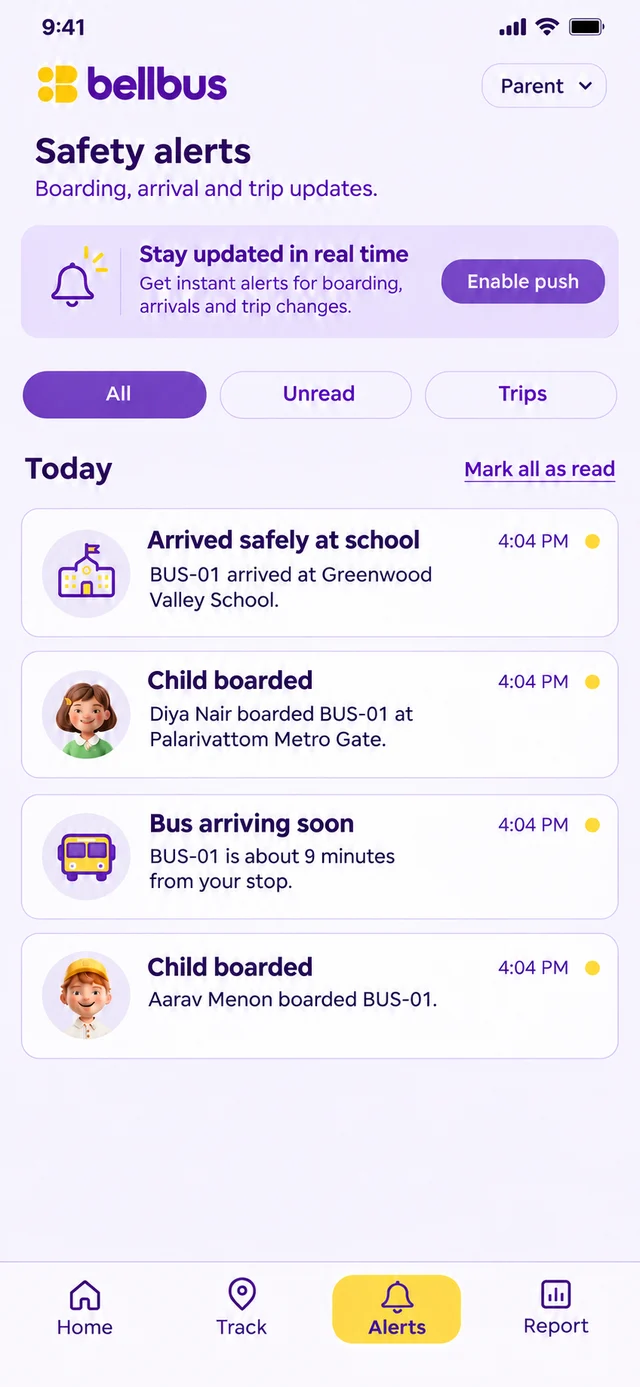
Live bus tracking for parents, tap-to-board attendance that needs no phone for bus staff, and fuel, distance and safety reports for the school office.

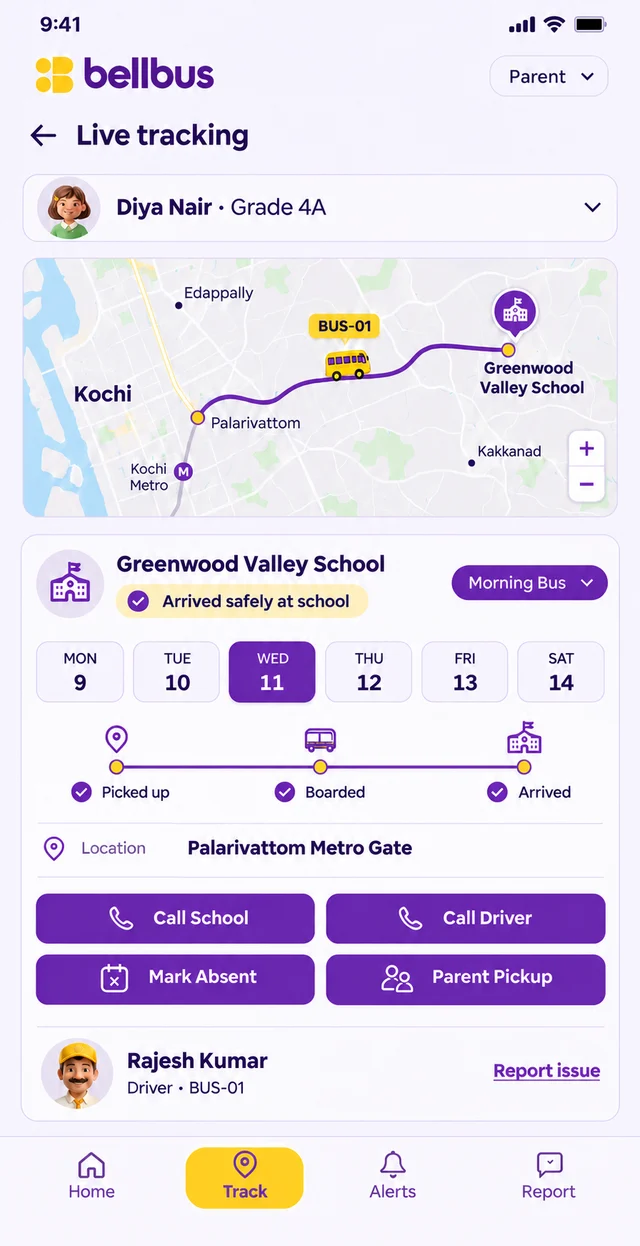
Follow the bus.
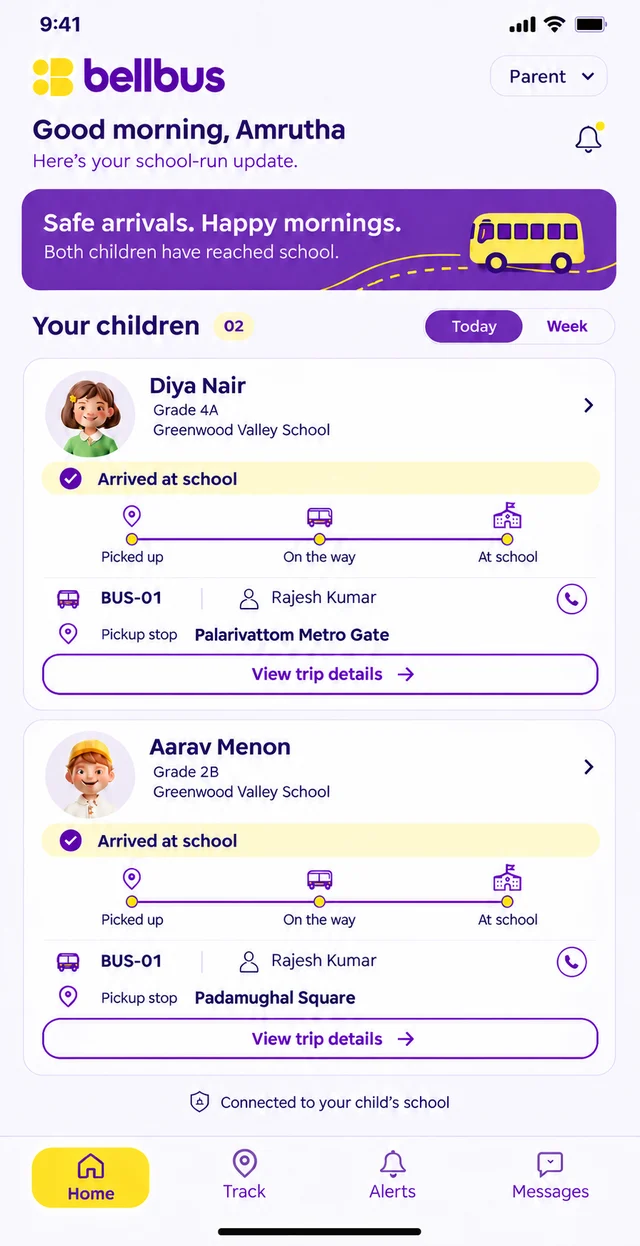
Change plans in a tap.
Parents see the bus live, the day's pickup, boarding and arrival, and can call the school or driver. Absent today? Picking up yourself? Going home on another bus? Mark it in the app, within your school's monthly rule, and the drivers are told.
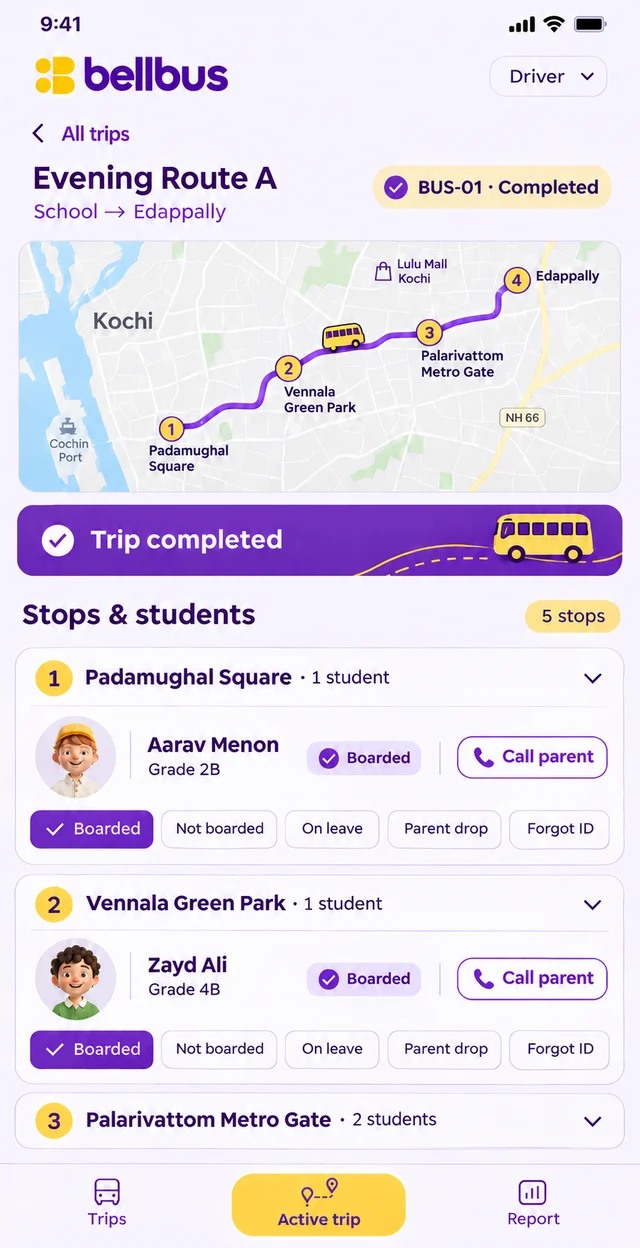
Every stop, every child, on one screen.
Today's trips, each stop and who gets on, including who is absent, on leave or being picked up by a parent. Children tap their card on the bus reader, so cleaners need no smartphone.
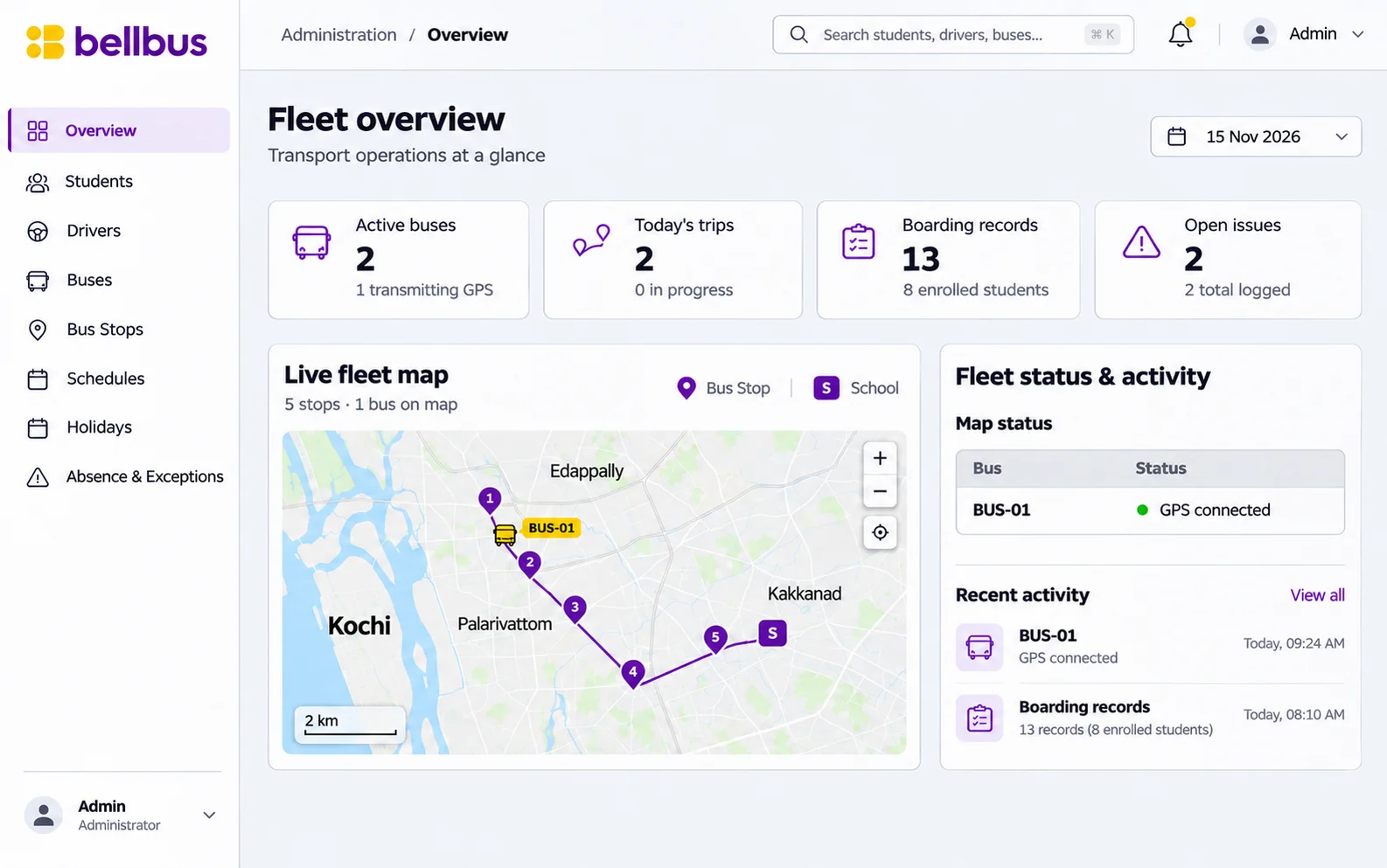
Your whole fleet, at a glance.
Every bus on one map, today's trips and boarding, open issues and requests to approve. A main admin plus up to five coordinators, each with their own login.
Built for how school buses really run.
Day changes with rules
Another bus up to your monthly limit, beyond that with office approval. Absent, parent drop and pickup marked in advance.
Fuel bills checked against km
Each bill is compared with the distance the bus really ran. Low mileage and repeat bills are flagged.
Tour and outing days
Plan a school trip with its route. On the day, the driver and parents of children going see it live.
One message to a whole bus
"BUS-02 is 20 minutes late." Sent once, seen by every parent on that route and the driver.
Reports in Excel and PDF
Attendance, trip times, other-bus days, km, fuel and speed per bus. Import students from your school software's Excel.
Private by design
Parents see only their own child. Each school's data is kept separate and belongs to the school.
Start with one bus.
Add the rest when you're ready.
We set up your buses
We connect the bus's GPS device, fit a card reader, load routes, stops and students, and train the office.
Children tap, parents know
Every tap becomes an alert. Parents follow the bus live and plan changes from the app.
The office sees everything
Every bus on one map, safety alerts, requests and fuel bills to approve, reports to download.
More than a dot on a map.
| Feature | Basic GPS tracker | Bellbus |
|---|---|---|
| Live bus location for parents | Yes | Yes |
| Boarding and drop alerts per child | Sometimes | Yes, with RFID cards |
| SOS alert to the school office | Sometimes | Yes, app button and bus panic button |
| Overspeed and unplanned stop alerts | Sometimes | Yes, limits set by your school |
| Parent plans another bus, absence or pickup | No | Yes, with your school's monthly rule |
| Fuel bills checked against distance | No | Yes |
| School tour and outing days | No | Yes |
| Message all parents of one bus | No | Yes |
| Office staff with separate logins | Usually one login | Main admin plus coordinators |
Questions schools ask.
Do we need to buy new GPS devices?
School buses already carry an AIS-140 GPS device. If your model supports an RFID reader and shares its data, we connect to it. If not, we will advise on a suitable device.
Our cleaners don't use smartphones. Will this work?
Yes. Children tap their own cards on the reader. Bus staff don't need to touch a phone.
What happens in an emergency?
The driver presses SOS in the app or the bus's panic button. The transport office and coordinators get an alert with the bus's location right away.
Can parents see other children?
No. Each parent sees only their own child and that child's bus.
How long does it take to start?
[SETUP TIME]. We can start with a pilot on one bus.
What does it cost?
[PRICING]. It depends on the number of buses and students.